Import Settings Validator & Fix for Unity
A downloadable tool for Windows, macOS, and Linux
Import Settings Rule Engine keeps your project’s import settings consistent across Textures, Audio, and Models. Define your standards once using simple rules, and the tool makes sure every matching asset follows them automatically.
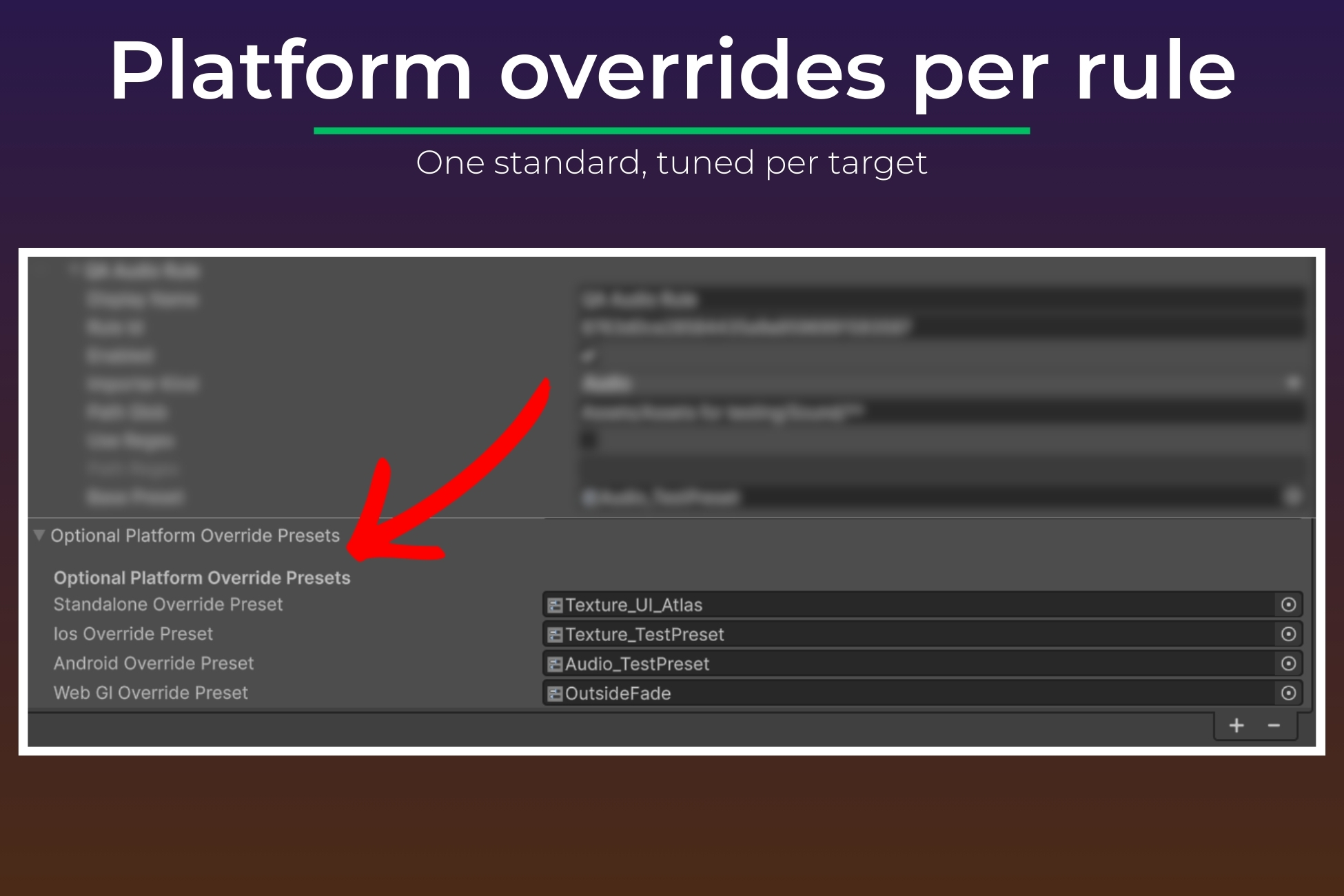
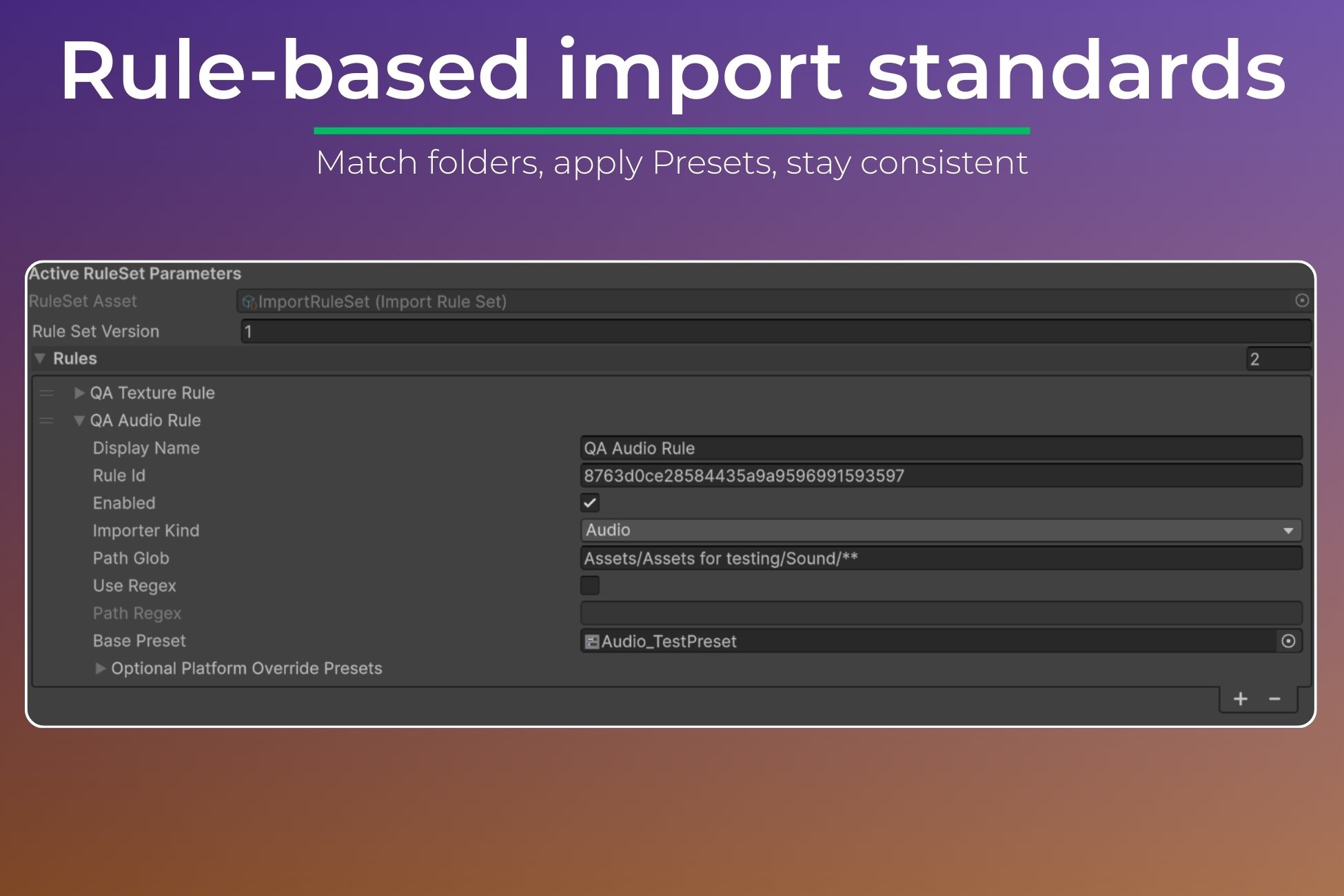
Create rules based on folder paths and asset type, then link each rule to a Unity Preset. From that point on, every new import or reimport is checked and corrected if needed. This prevents drift, reduces manual setup, and keeps teams aligned without constant oversight.
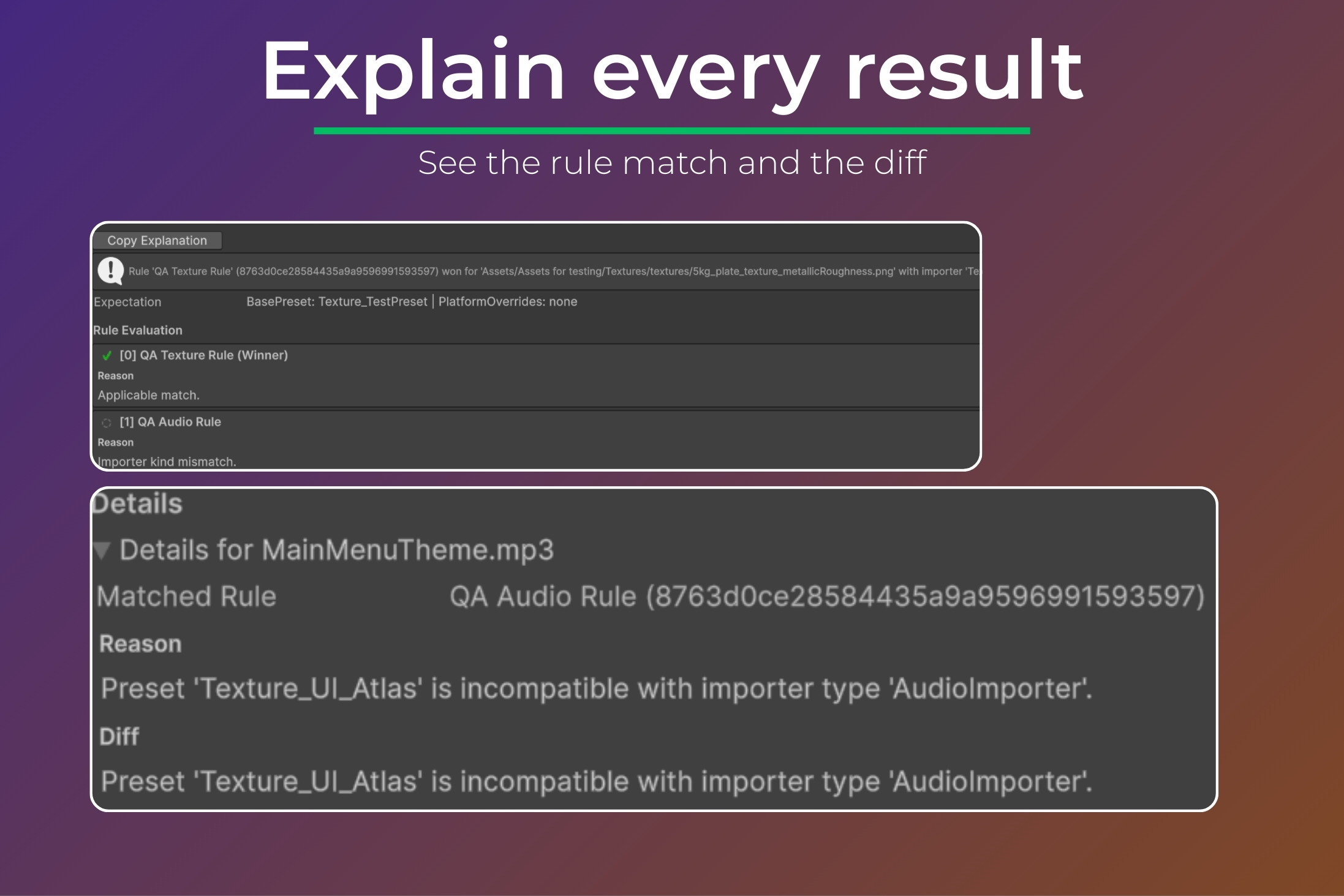
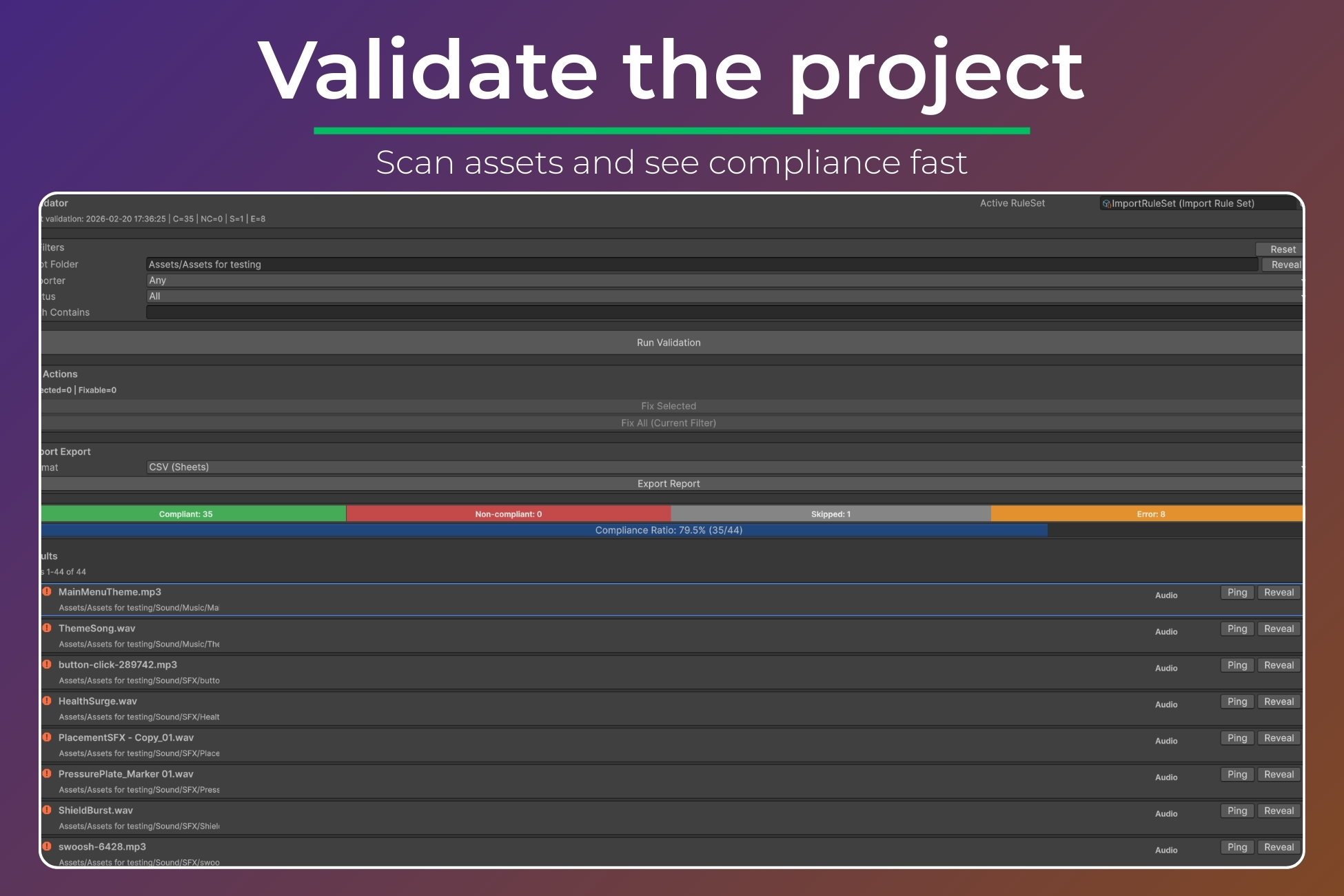
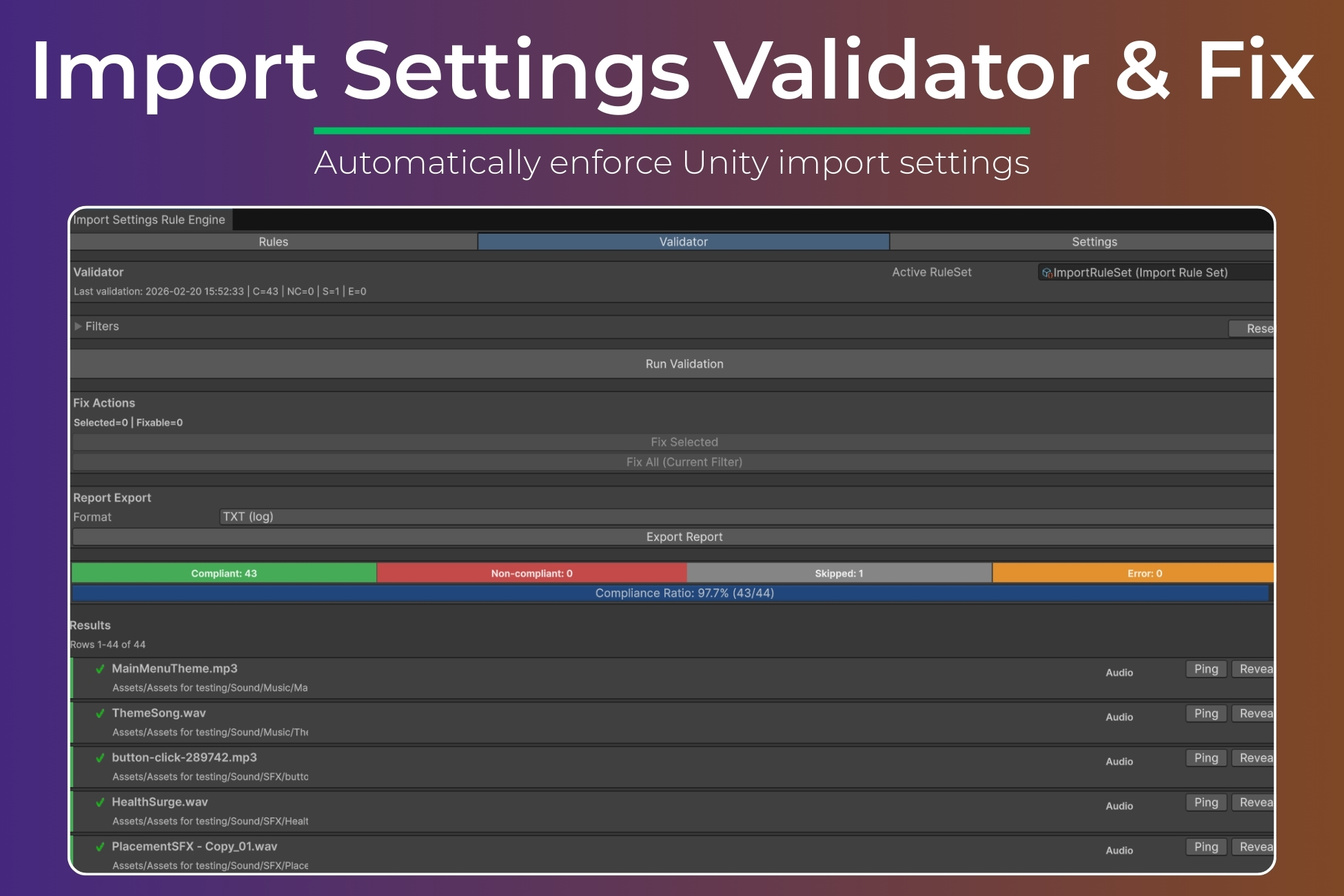
You can also scan the entire project at any time. The Validator shows which assets are compliant and which are not, grouped by type. For each asset, you can see which rule matched and what settings differ. Fix selected items or fix everything in the current view, with confirmation before changes are applied.
A dry run mode lets you preview what would change before enforcing it. The tool only reimports assets when settings actually differ, avoiding unnecessary processing. Clear logging and a simple Explain view make it easy to understand why a rule applied.
A compliance report can be exported for reviews, team handoff, or internal checks.
This version supports Textures, Audio, and Models. Rules are edited in the Inspector and use standard Unity Presets. The tool enforces the standards you define. It does not automatically guess optimal settings. It runs in the Editor only and does not add runtime code.
Purchase
In order to download this tool you must purchase it at or above the minimum price of $35.99 USD. You will get access to the following files:
Development log
Leave a comment
Log in with itch.io to leave a comment.